Best Free CapCut PC Alternative 2026 – Smart Solutions for Free Editing
Many people enjoy editing in CapCut PC because it feels smooth and easy, but sometimes the app crashes, lags, or misses a few tools that creators need for bigger projects. That is why many editors search for the best free CapCut PC alternative that works without limits, without paid plans, and without heavy learning pressure. Some apps give cleaner exports, some have more layers, and some feel more stable for long videos.
Let’s check the best free options you can switch to when CapCut PC feels too small or too slow.
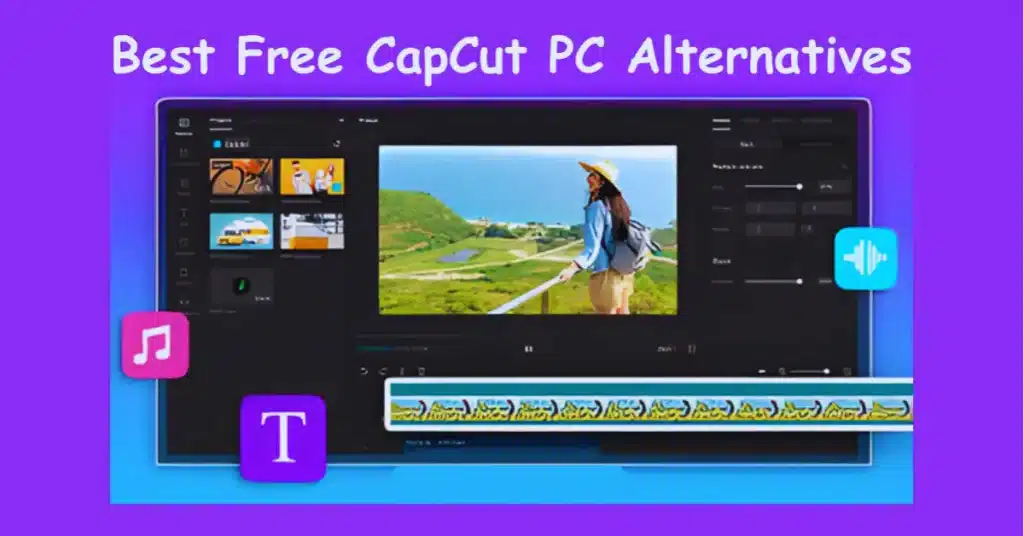
Why You Need a CapCut PC Alternative
CapCut Pro is good for quick editing, but it has limits. The app focuses more on social-style videos, not long projects. Some creators also face issues like:
- slow rendering
- missing advanced color tools
- fewer manual controls
- AI effects changing the natural look
- shortage of keyboard shortcuts
So it makes sense to try a free alternative that gives more control.
1. VN Video Editor – Best Overall Free Replacement
VN is probably the closest match to CapCut, but with more freedom. The layout is clean, the timeline feels flexible, and the export quality is stable. Many editors say VN feels like CapCut but with fewer ads and fewer limitations.
Why VN is great
- completely free
- unlimited layers
- clean interface
- keyboard shortcuts
- preset transitions
- LUT support
- no watermark
It’s perfect for creators who want a simple editor but still need professional touches.
Best For: Daily edits, travel videos, cinematic projects, YouTube videos.
2. Davinci Resolve – For Professional Quality (Free Version Available)
Davinci Resolve is not as easy as CapCut, but the quality is on another level. It gives powerful color tools, audio controls, and a strong timeline. If you want a “future upgrade” editor without paying, Resolve is the best choice.
Why it’s strong
- Hollywood-level color grading
- strong stabilizer
- advanced audio editing
- sharp exports
- no watermark
- free version is powerful
The only requirement is a good PC. It needs more RAM and a proper GPU.
Best For: YouTube creators, filmmakers, long videos, gaming edits.
3. Shotcut – Lightweight and Fully Free
Shotcut is a free editor, and this means that you do not pay at all. The interface is not as sleek as CapCut and is not as complicated yet it operates effectively on the weaker laptops.
Why Shotcut works well
- no watermarks
- no payment
- low PC requirements
- useful filters
- basic color correction
- custom export settings
Shotcut won’t overwhelm you, and it’s good for beginners who need a stable editor.
Best For: School projects, basic edits, lightweight machines.
4. OpenShot – Easiest CapCut-like Free Editor
OpenShot is very simple. You can drag, cut, trim, and export without any stress. It’s not for heavy editing, but it’s perfect when you want a basic CapCut Pro APK replacement that doesn’t crash often.
What makes OpenShot good
- simple learning curve
- unlimited layers
- free transitions
- open-source
- good for short projects
It feels like the “starter pack” for PC editors.
Best For: Beginners, casual editors, simple projects.
5. HitFilm Express – Free Version With Advanced Tools
HitFilm Express gives stylish effects, VFX tools, and better color adjustments than CapCut. The free version is strong enough for high-quality editing, though some advanced effects need add-ons.
Why HitFilm is useful
- many effects
- great transitions
- supports 4K
- good for action edits
- clean export
It’s slightly heavy but ideal for high-energy projects.
Best For: Gaming montages, action videos, YouTube intros.
6. Lightworks Free – Professional But Simple
Lightworks has been used in film editing. The free version still includes strong tools, though exporting is limited to 720p unless you pay. But the overall editing experience is very stable.
Lightworks strengths
- strong timeline
- fast cutting
- pro-level trimming
- clean exporting
- reliable performance
If you don’t mind 720p, this one works well as a CapCut alternative.
Best For: Quick professional edits, documentaries, long videos.
7. FilmForth – Great for Social Media Videos
FilmForth feels modern and easy. The video editor is also straightforward and minimalistic and, therefore, simple to create a Tik Tok-style and a Reel-style video. It is available in Microsoft Store and it is compatible with Windows 10 and 11.
Why FilmForth helps
- free
- simple interface
- quick text tools
- perfect for short videos
- templates available
It is not a bad option when you require something light and light-hearted.
Best For: Short edits, social media clips, basic transitions.
Which One Should You Choose? (Simple Guide)
If you want something similar to CapCut:
👉 VN Video Editor
If you want a serious upgrade:
👉 Davinci Resolve
If you want a light app for weak PCs:
👉 Shotcut
If you want free effects and VFX:
👉 HitFilm Express
If you want the easiest layout:
👉 OpenShot
If you want a social-friendly editor:
👉 FilmForth
Conclusion -Free CapCut PC Alternative
Finding the best free CapCut PC alternative depends on how you edit videos. If you want something very close to CapCut, choose VN. If you want professional results, go for Davinci Resolve. For lighter systems, Shotcut or OpenShot works well. Every app here is fully free, easy to install, and stable enough for daily editing.
So, you don’t need to worry if CapCut PC feels slow or missing features — you have plenty of strong alternatives ready to use.
FAQs -Free CapCut PC Alternative
1. Which free editor is closest to CapCut PC?
VN Video Editor is the closest match in design, speed, and overall workflow.
2. What is the best free editor for gaming videos?
HitFilm express and DaVinci resolve can be used in both cases of gameplay edits.
3. Which editor is best for weak laptops?
Shotcut works smoothly on low-end Windows systems.
4. Do any of these editors add watermarks?
No, most of them export without watermarks unless using premium extras.
5. Is DaVinci Resolve really free?
Yes, the basic version is fully free and powerful for professional work.
6. Can these alternatives replace CapCut templates?
They don’t have template libraries like CapCut, but they offer more manual control.